Claude agents and agentic workflows: the what, the how, the why
Since Claude Code became part of my daily workflow, the question I get asked most isn't "what is generative AI", it's "what exactly is an agent, and how do I build one". Both questions often get mixed up with "how do I use a chatbot better", when it's actually a completely different execution model. This article answers all three: the what, the why, and the how, with code at every step.
The what: an agent is a loop#
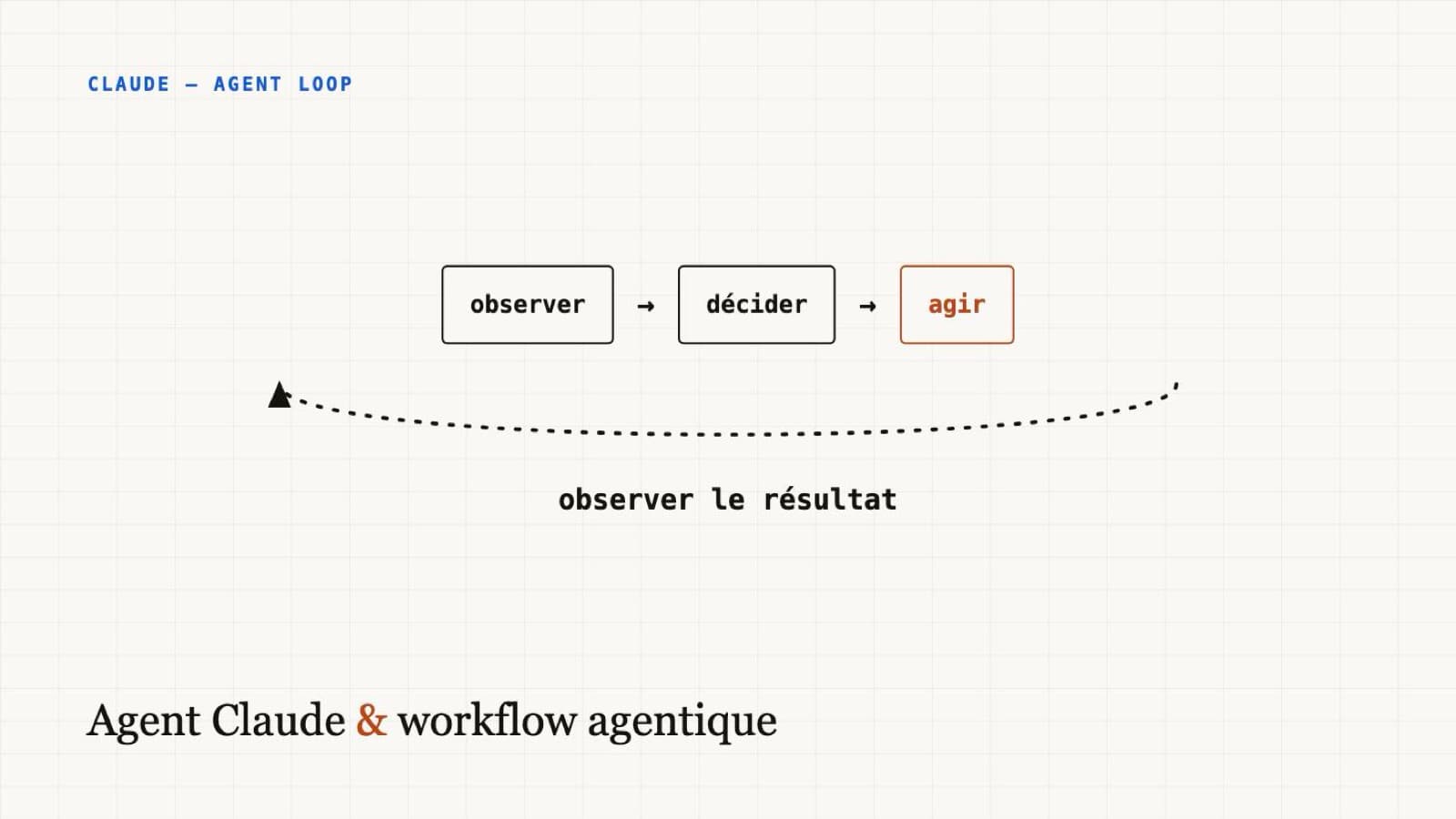
A regular call to a language model is a pure function: text in, text out, once. An agent is something else: it's a loop that observes a context, decides on an action, executes it, observes the result, and repeats, until the task is done.
observe ──▶ decide ──▶ act ──▶ observe the result
   ▲                                    │
   └────────────────────────────────────┘
Concretely, "act" means calling a tool: reading a file, running a command, querying an API. The model no longer just answers, it can check what it just did and correct course before handing back control. It's this ability to loop over action and observation that sets an agent apart from a single API call, not the size of the prompt or the number of tokens sent.
I've already detailed the distinction between the agent (the loop, probabilistic), the harness around it (deterministic), and skills loaded on demand in a dedicated article. Here, I'm focusing on the loop itself: what it is and how to code it.
The why: why not just write a bigger prompt#
Facing a complex task, the temptation is to write an increasingly detailed prompt to cover every case upfront. That stops working past a certain point, for a simple reason: a prompt, however good, can't contain information the model doesn't have yet, like the actual content of a file or the result of a command that hasn't run.
| Need | A single API call | An agent |
|---|---|---|
| Classify, summarize, extract info known in advance | Enough, faster and cheaper | Overkill, just slower |
| Fix code until the tests pass | Impossible: the model never sees the test results | Natural: the loop reruns the tests after each fix |
| Answer a question about a repo you haven't read yet | Everything has to be pasted into the prompt upfront | The agent reads the relevant files itself, on demand |
The right question isn't "can I do this with an agent", it's "does this task need information I don't have before I start". If the answer is no, a single API call does the job, cheaper and more predictable. An agent isn't an "upgrade" over an API call, it's a different tool for a different problem.
The how: building a minimal agent#
Here's a full working agent, in TypeScript, with a single tool: reading a file. It's deliberately the simplest possible case, to see the mechanics without drowning them in detail.
import Anthropic from "@anthropic-ai/sdk";
import { readFileSync } from "fs";

const client = new Anthropic();

const tools: Anthropic.Tool[] = [
  {
    name: "read_file",
    description: "Reads the content of a file in the project",
    input_schema: {
      type: "object",
      properties: { path: { type: "string" } },
      required: ["path"],
    },
  },
];

function executeTool(name: string, input: any): string {
  if (name === "read_file") {
    return readFileSync(input.path, "utf-8");
  }
  throw new Error(`Unknown tool: ${name}`);
}

let messages: Anthropic.MessageParam[] = [
  { role: "user", content: "Does package.json depend on React?" },
];

while (true) {
  const response = await client.messages.create({
    model: "claude-opus-5",
    max_tokens: 4096,
    tools,
    messages,
  });

  messages.push({ role: "assistant", content: response.content });

  if (response.stop_reason === "end_turn") {
    const text = response.content.find((b) => b.type === "text");
    console.log(text?.type === "text" ? text.text : "");
    break;
  }

  if (response.stop_reason !== "tool_use") break;

  const toolResults: Anthropic.ToolResultBlockParam[] = [];
  for (const block of response.content) {
    if (block.type === "tool_use") {
      toolResults.push({
        type: "tool_result",
        tool_use_id: block.id,
        content: executeTool(block.name, block.input),
      });
    }
  }
  messages.push({ role: "user", content: toolResults });
}readFileSync(input.path, ...) reads a path chosen by the model, not by you:
it's untrusted output, exactly like any user input. In a real project, that
path needs to be resolved and checked against an allowed root before opening
it, or the agent can end up reading (or writing, if the tool allows it)
anywhere on disk.
The essential part is the while (true): as long as stop_reason is
tool_use, the model has requested an action, the code executes it, and the
result goes back into the conversation. The loop only stops when the model
decides it has enough information to answer: end_turn. Nothing magic, it's
a classic control loop, with a language model as the decision component
instead of a chain of if statements.
For a real project, I start from the SDK's tool runner
(client.beta.messages.toolRunner) rather than this manual loop: it handles
tool execution and turn sequencing for me. The manual loop is still useful
to understand what's happening underneath, or when you need control the tool
runner doesn't expose.
Three use cases useful to a developer#
The same mechanism, applied to three concrete needs I run into regularly.
Fixing code until the tests pass. The tool runs the test suite and returns stdout/stderr as the result. The agent reads the failure, proposes a fix, reruns the tests, and repeats until green or until an iteration limit. I detailed this approach, and its pitfalls under deadline pressure, in an article on real TDD with Claude Code.
Answering a question about a repo without loading everything upfront.
This is exactly the minimal agent above, extended with a search tool (grep,
or a file-name search). Useful for a question like "where is authentication
handled" on a repo you don't know by heart.
Checking a deployment before replying to a client. The tool calls an external API (here, the Vercel API) instead of a local file. The agent can chain "list recent deployments" then "read the logs of the last failure" without me having to guess in advance which information will be useful. That's the role MCP plays when the tool is already exposed by an existing server instead of hand-coded.
In all three cases, the common thread isn't code complexity, which stays minimal: it's that the task needs information you don't have yet at the moment you write the prompt. That need is what justifies the loop, not the appeal of using an agent because it's the buzzword of the moment.
What this generalizes to#
An agent is neither smarter nor more reliable than a single API call: it just has access to more information, gathered as it goes rather than guessed upfront. That difference has a cost (more turns, more tokens, more time) that needs to be weighed against the actual problem: is the task genuinely open-ended, or can it be answered with a single, well-informed call. The question to ask before writing the first line of the loop stays the same: what don't I know yet at the start, that can only come from taking an action.