Kafka: diagnosing consumer lag, methodically
An alert fires: "high consumer lag on group billing". Notifications go out
twenty minutes late. The most common reflex is to bump the consumer's
replica count. It works in one specific case, changes nothing in several
others, and makes things worse in at least one. This article offers a way
to diagnose lag before touching anything.
What lag measures#
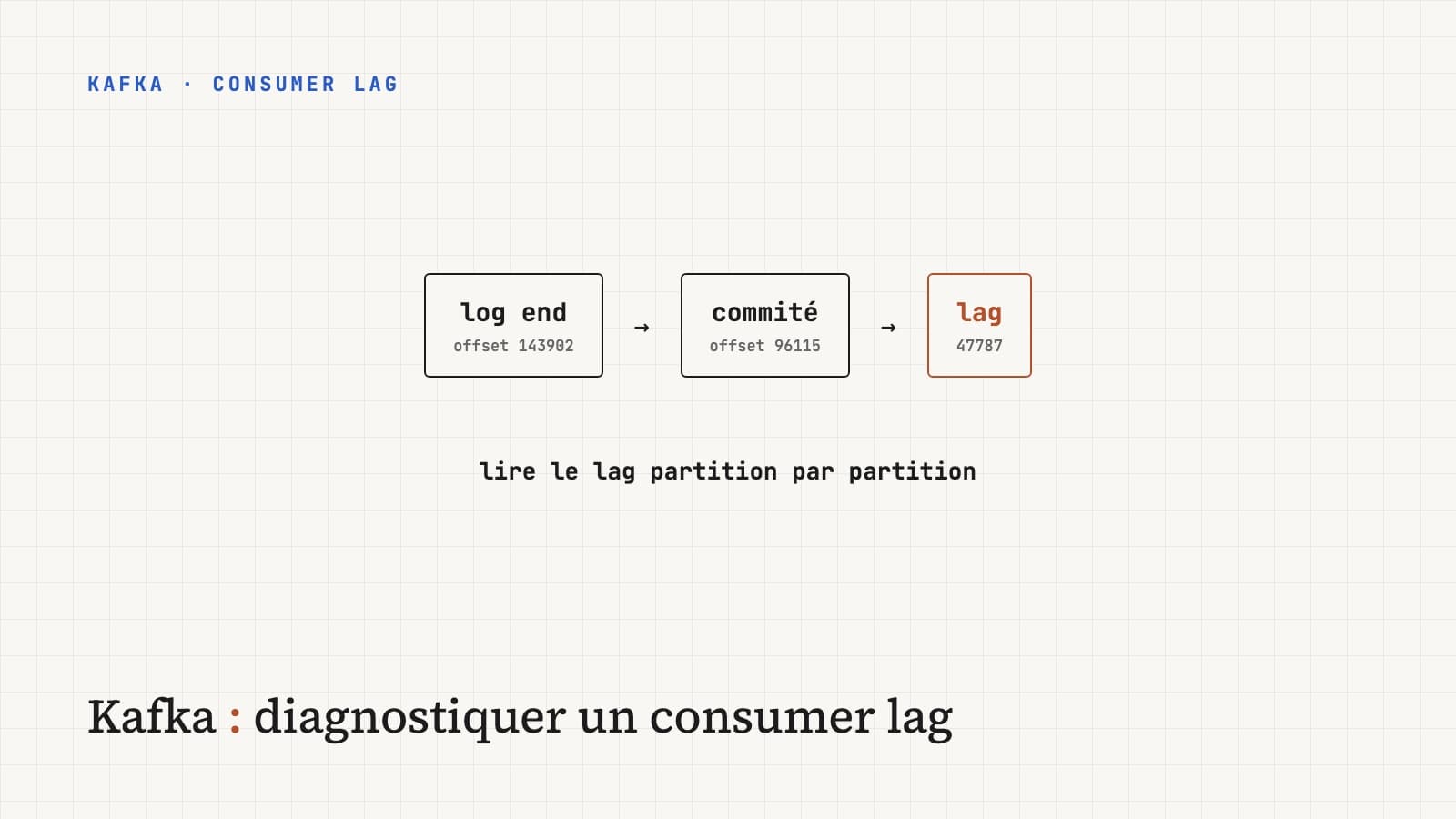
For each partition, Kafka knows two positions: the last offset written by producers (the log end offset) and the last offset committed by the consumer group. Lag is the difference between the two.
partition 0:  [0][1][2][3][4][5][6][7][8][9]
                           ▲              ▲
                  committed offset   log end offset
                           └── lag = 5 ───┘
Two remarks that prevent wrong conclusions.
Lag is read per partition, not as a total. A total lag of 50,000 can be spread evenly over 12 partitions, or concentrated at 49,000 on a single one. Those are two different problems.
Lag in messages says little on its own. 10,000 messages behind on a topic receiving 100,000 per second is a tenth of a second. On a topic receiving 10 per minute, it's two weeks. What matters to users is the delay in time, and above all its trend: stable lag, even high, means the consumer keeps up. Lag that keeps growing means it consumes slower than what comes in, and will never catch up without a change.
Step one: look at the group#
The command shipped with Kafka gives almost everything you need:
kafka-consumer-groups.sh --bootstrap-server kafka:9092 \
--describe --group billingTOPIC PARTITION CURRENT-OFFSET LOG-END-OFFSET LAG CONSUMER-ID HOST
invoices 0 184220 184231 11 consumer-1-a3f… /10.0.1.12
invoices 1 179804 179810 6 consumer-1-a3f… /10.0.1.12
invoices 2 96115 143902 47787 consumer-2-7c1… /10.0.1.17
invoices 3 181377 181390 13 consumer-3-e08… /10.0.1.21
This output already steers the diagnosis. Here, only one partition is behind, and the others keep up. It isn't a global capacity problem.
Three shapes come up almost every time:
| What you see | Main lead |
|---|---|
| All partitions behind, lag growing everywhere | Processing is globally too slow for the throughput |
| One or two partitions behind, the others up to date | Hot key or problematic message on those partitions |
Empty CONSUMER-ID column, or one that changes between runs | The group is unstable: rebalances in a loop |
Case 1: processing is too slow#
The consumer spends its time processing, and incoming throughput exceeds what it can absorb. Before adding replicas, find out where the time goes. In the vast majority of cases it isn't Kafka, it's what the consumer does with each message: one SQL query per message, a synchronous HTTP call, expensive serialization.
The levers, in the order I try them:
- Measure processing time per message. A simple timer around the processing is enough. If a message takes 40 ms and 50 arrive per second per partition, the math is quick: the consumer can't keep up.
- Process in batches.
max.poll.records(500 by default) sets how many messages eachpollreturns. One 500-row database insert costs far less than 500 single-row inserts. - Add consumers, but only up to the number of partitions. In a group, a partition is read by a single consumer at a time. With 4 partitions, a fifth consumer sits idle.
- Increase the partition count, if you've hit the limit of point 3. It's an operation to plan: for a keyed topic, adding partitions changes each key's target partition, and therefore the processing order during the transition.
Parallelizing inside a consumer (a thread pool processing the messages of
one poll in parallel) raises throughput, but breaks per-partition ordering
and complicates offset management: you can only commit an offset once every
earlier message is processed. Libraries like Confluent Parallel Consumer do
it correctly. Hand-rolling it is a classic source of lost messages.
Case 2: one partition behind#
When a single partition lags, adding consumers does nothing: that partition is still read by only one of them. Two causes dominate.
A hot key. Kafka sends every message with the same key to the same
partition, to guarantee their order. If 40% of traffic concerns a single
customer (a big account, a default ID like "unknown", or a badly handled
null key), its partition gets 40% of the traffic. You check it by counting
messages per key on a sample. The fix touches the model: pick a finer key if
ordering is only needed at a finer level, or isolate the big customer in a
dedicated topic.
A blocking message. A malformed message, one that's too large, or one
that triggers an error the consumer retries forever. The partition's lag
grows while CURRENT-OFFSET doesn't move at all. That's the clearest sign:
a frozen offset. The answer is an explicit error policy: a limited number of
attempts, then sending the message to an error topic (dead letter topic)
for analysis, and the consumer moves on. Spring Kafka offers this with
DefaultErrorHandler and DeadLetterPublishingRecoverer.
Case 3: rebalances in a loop#
This is the case where adding consumers makes things worse. A rebalance redistributes partitions among group members. While it happens, consumption stops (entirely with the historical protocol, partially with the cooperative one). If it happens every few minutes, the group spends more time reorganizing than consuming.
The most common cause is processing that takes longer than
max.poll.interval.ms (5 minutes by default). The consumer doesn't call
poll in time, the coordinator considers it dead and removes it from the
group. Its partitions are reassigned, uncommitted messages are re-read by
another consumer, which takes just as long, and the cycle repeats.
poll() → 500 messages × 800 ms = 400 s of processing
       → exceeds max.poll.interval.ms (300 s)
       → the consumer is removed, rebalance
       → the 500 messages are re-read elsewhere → same duration → new rebalance
The signs: logs containing Member ... leaving group or Attempt to heartbeat failed since group is rebalancing, and a CONSUMER-ID column
that changes between runs of the command.
The fixes:
- lower
max.poll.recordsso each batch fits comfortably within the deadline; it's the fastest fix; - speed up processing (case 1);
- raise
max.poll.interval.ms, as a last resort, since a genuinely stuck consumer will take longer to detect; - switch to cooperative rebalancing (
CooperativeStickyAssignor) so only the moved partitions pause, and use static membership (group.instance.id) so a pod restart during a deploy doesn't trigger a rebalance if it comes back in time.
Long GC pauses produce the same symptom through another path: a JVM frozen for several seconds stops sending heartbeats. If rebalances line up with memory spikes, look at the JVM.
Monitor before the alert#
The kafka-consumer-groups.sh command is for diagnosis, not monitoring. For
continuous monitoring, two sources:
- on the consumer side, the
records-lag-maxJMX metric, exposed automatically by the Java client and picked up by Micrometer in a Spring Boot application; - on the cluster side, a Prometheus exporter that computes lag for every group without relying on the consumers, which stays useful when they are all down.
For alerting, I prefer a rule on the trend over a fixed threshold: "this group's lag has been growing for 15 minutes" rather than "lag exceeds 10,000". The fixed threshold wakes you at night for a spike the consumer would have caught up on its own in two minutes, and stays silent on a low-throughput topic where 500 messages mean a day's delay.
The approach in short#
Lag is climbing
 ├─ on every partition?
 │    └─ time per message × throughput > capacity → batches, then replicas (≤ partitions)
 ├─ on one partition?
 │    ├─ frozen offset → blocking message → limited retries + dead letter topic
 │    └─ slowly moving offset → hot key → rethink the key
 └─ changing consumers / rebalance logs?
      └─ processing > max.poll.interval.ms → lower max.poll.records, cooperative, static
Lag isn't a Kafka problem, it's a symptom. Kafka does exactly what it's
asked: it keeps messages until someone reads them. The cause is almost
always in the consumer or in the choice of keys, and the --describe
command, read partition by partition, is enough to know which branch of the
tree you're on.