Terraform as a team: environments, modules and CI without stepping on each other
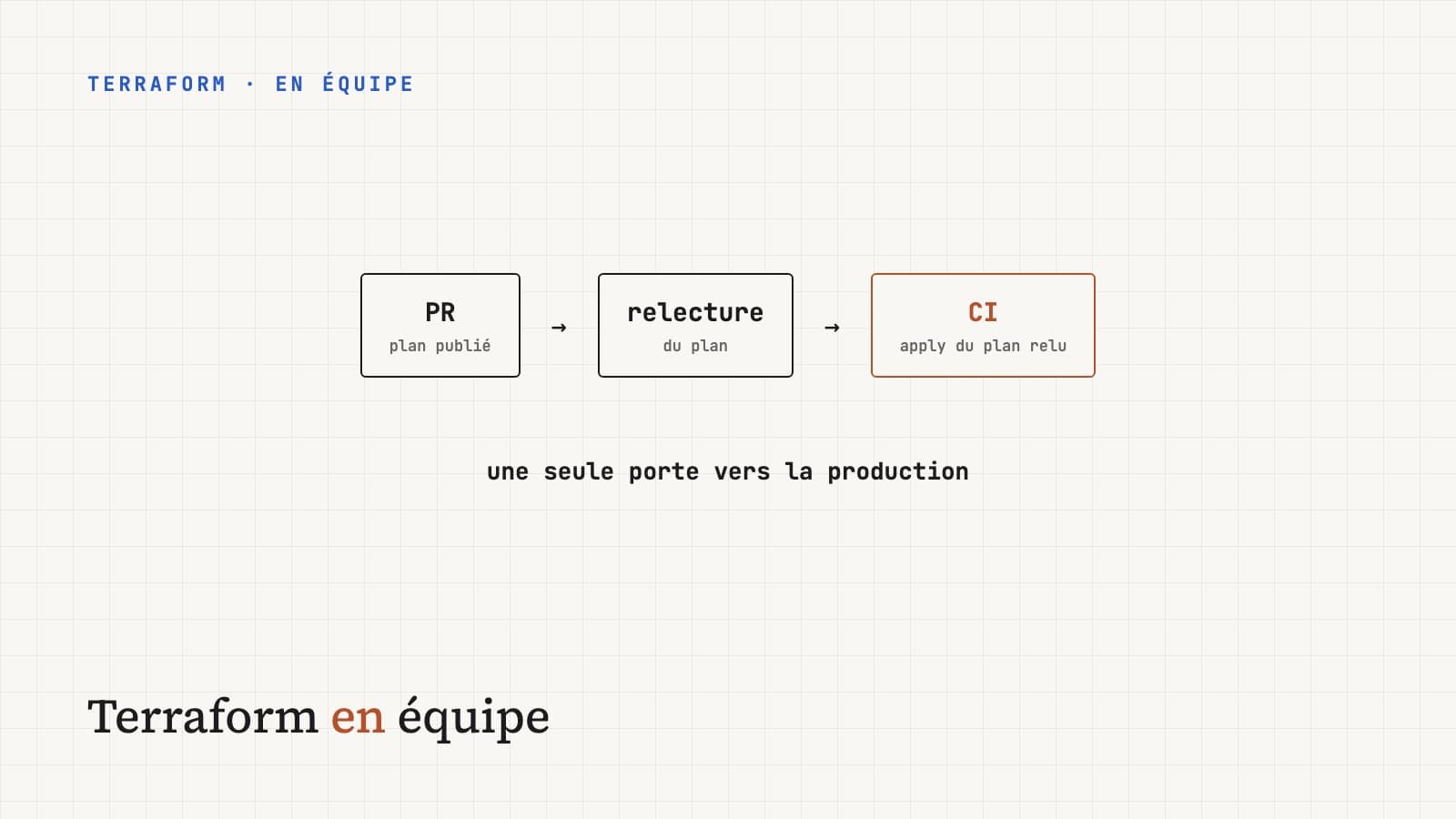
The getting-started article on Terraform stops at two rules: remote state from day one, and a plan read before every apply. They're enough as long as you're alone on a single environment. Once a team of four manages dev, staging and production, other questions show up: how to separate environments, how to share code without coupling everything, who's allowed to run an apply, and how to keep a secret from ending up in plain text somewhere. This article gathers the practices that hold up as the team and the infrastructure grow.
One state per environment, and per scope#
The first decision shapes everything else: how many states, and split how.
One state per environment, at minimum. If dev and production share a
state, an apply run to test a change in dev can touch production. The risk
isn't theoretical: one wrongly set variable is enough.
One state per scope, next. A single state holding the network, the
database, the Kubernetes cluster and the data team's 40 buckets has two
flaws. Every plan takes minutes, and every change, even a minor one, has
the whole infrastructure as its blast radius. Splitting by lifecycle limits
that radius:
infra/
├── modules/
│   ├── network/
│   ├── postgres/
│   └── service/
└── live/
    ├── dev/
    │   ├── network/      ← rarely changes
    │   ├── data/         ← database, buckets: rarely changes, critical
    │   └── apps/         ← changes often
    ├── staging/
    │   └── …
    └── prod/
        └── …
Each folder under live/ has its own backend and its own state. A change in
apps/ can't destroy the database, because the database isn't in that
state.
Terraform workspaces (terraform workspace new prod) look designed for
separating environments. Yet HashiCorp advises against using them for that
when environments have different access rights: all workspaces share the
same backend and configuration, and therefore the same credentials. One
folder per environment is more verbose, but each environment can have its
own cloud account and its own permissions.
Remote state must also be locked. On S3, recent Terraform versions (1.10
and later) can place the lock directly in the bucket with
use_lockfile = true, which makes the DynamoDB table unnecessary. On GCS and
Azure Blob, locking is native.
terraform {
  backend "s3" {
    bucket       = "acme-terraform-state"
    key          = "prod/apps/terraform.tfstate"
    region       = "eu-west-3"
    encrypt      = true
    use_lockfile = true
  }
}
Modules: sharing without coupling#
A module is a function: variables in, resources, outputs out. The same design rules apply.
A module should do one thing. A service module that creates a
deployment, its load balancer and its DNS record is coherent. A platform
module that also creates the database, the cache and the message queue
becomes impossible to reuse partially, and every change hits all its users.
Few variables, with sensible defaults. A module with 60 variables abstracts nothing: it moves the complexity around. Options nobody changes become values fixed inside the module.
Pinned versions. An environment should point to a precise module version, not to the main branch:
module "api" {
  source = "git::https://github.com/acme/terraform-modules.git//service?ref=v2.3.0"

  name          = "billing-api"
  image         = var.image
  replicas      = 3
  cpu           = "500m"
  memory        = "1Gi"
}
With ?ref=v2.3.0, a change to the module changes nothing until you
explicitly bump the version. You can then promote the bump environment by
environment, like any code change: dev first, then staging, then
production.
Same rule for providers: a .terraform.lock.hcl file committed to the repo
guarantees that everyone, CI included, uses exactly the same version.
Plan in CI, apply by CI#
With several people, running terraform apply from a developer machine
causes three problems: nobody knows what was applied, local versions differ,
and production credentials sit on laptops. The flow that fixes all three:
 PR opened ──▶ CI: fmt, validate, plan ──▶ plan posted as a PR comment
                                                     │
                                      plan review (not just code)
                                                     │
 merge ──▶ CI: apply the reviewed plan ◀────────────┘
Two points make the difference.
You review the plan, not just the HCL diff. A two-line diff can produce a plan that destroys and recreates a database, as the symbols table in the getting-started article shows. The plan as a PR comment puts that information in front of the reviewer.
You apply the plan that was reviewed. terraform plan -out=tfplan
produces a file; terraform apply tfplan applies exactly that file, without
recomputing. If the state was modified in the meantime (by another apply,
for example), Terraform rejects the stale plan instead of applying something
other than what was approved.
terraform plan -input=false -out=tfplan
terraform show -no-color tfplan > plan.txt   # for the PR comment
# … after merge:
terraform apply -input=false tfplan
Production credentials then live only in CI. Ideally not even as a key: GitHub Actions, GitLab CI and the major clouds can authenticate through OIDC, with temporary credentials obtained on every run.
Secrets: state is not a vault#
The most underrated trap: state contains resource values in plain text,
including generated database passwords, created access keys, certificates.
Marking a variable sensitive = true hides it in the plan output, not in the
state.
The rules that follow:
- the state bucket is encrypted, versioned, and access is restricted to CI and a handful of people;
- secrets aren't passed as variables in committed
.tfvarsfiles; - when possible, Terraform creates the secret's location (an entry in Secrets Manager, Vault or Key Vault) and the application reads the value at startup, without it passing through Terraform;
- recent Terraform versions offer ephemeral values, never written to the state, for cases where Terraform must handle a secret without keeping it.
Refactoring without destroying#
Renaming a resource or moving it into a module looks like a harmless refactoring. To Terraform, it's a deleted resource and a new one: the plan proposes to destroy the production database and create an empty one.
The moved block tells Terraform it's the same resource:
moved {
  from = aws_db_instance.main
  to   = module.postgres.aws_db_instance.this
}
The plan then shows a move within the state, with no action on the
infrastructure. Same idea for adopting a resource created by hand: an
import block in the code rather than a terraform import command run from
a laptop, so the operation goes through review and CI like everything else.
Drift: detect it rather than suffer it#
Someone changes a firewall rule in the console during an incident and forgets to carry the change over to the code. On the next apply, Terraform reverts the change, possibly at the worst moment.
A scheduled job running terraform plan -detailed-exitcode every night on
every state detects that drift: the exit code is 2 when the plan isn't
empty. You get the alert the next morning, and calmly decide whether to
carry the change into the code or revert it.
terraform apply -target=... applies only part of the plan. It's useful to
get out of a stuck situation, but making it a habit leaves the state in a
shape the code no longer fully describes. If -target becomes regularly
necessary, it's usually a sign that the state is too big and needs
splitting.
The team checklist#
- One state per environment and per scope, each with its own backend.
- State locking enabled (
use_lockfileon S3, native elsewhere). - Versioned modules, referenced with
?ref=to a tag. -
.terraform.lock.hclcommitted. - Plan posted on every PR, apply only by CI, from the reviewed plan.
- CI authenticating through OIDC rather than long-lived keys.
- State bucket encrypted, versioned and access-restricted.
- No secrets in committed
.tfvars. -
movedandimportblocks rather than manual commands. - Scheduled drift detection.
What to take away#
Terraform as a team doesn't need an extra tool, it needs you to treat infrastructure like production code: clear boundaries (one state per scope), versioned dependencies (modules and providers), a single door into production (CI), and a review that looks at the real effect (the plan) rather than the text (the HCL). Each of these practices costs a bit of setup. None costs as much as a production database recreated empty on a Friday evening.